
ATuMan MiniQ Smart Digital Tape Measure
Description
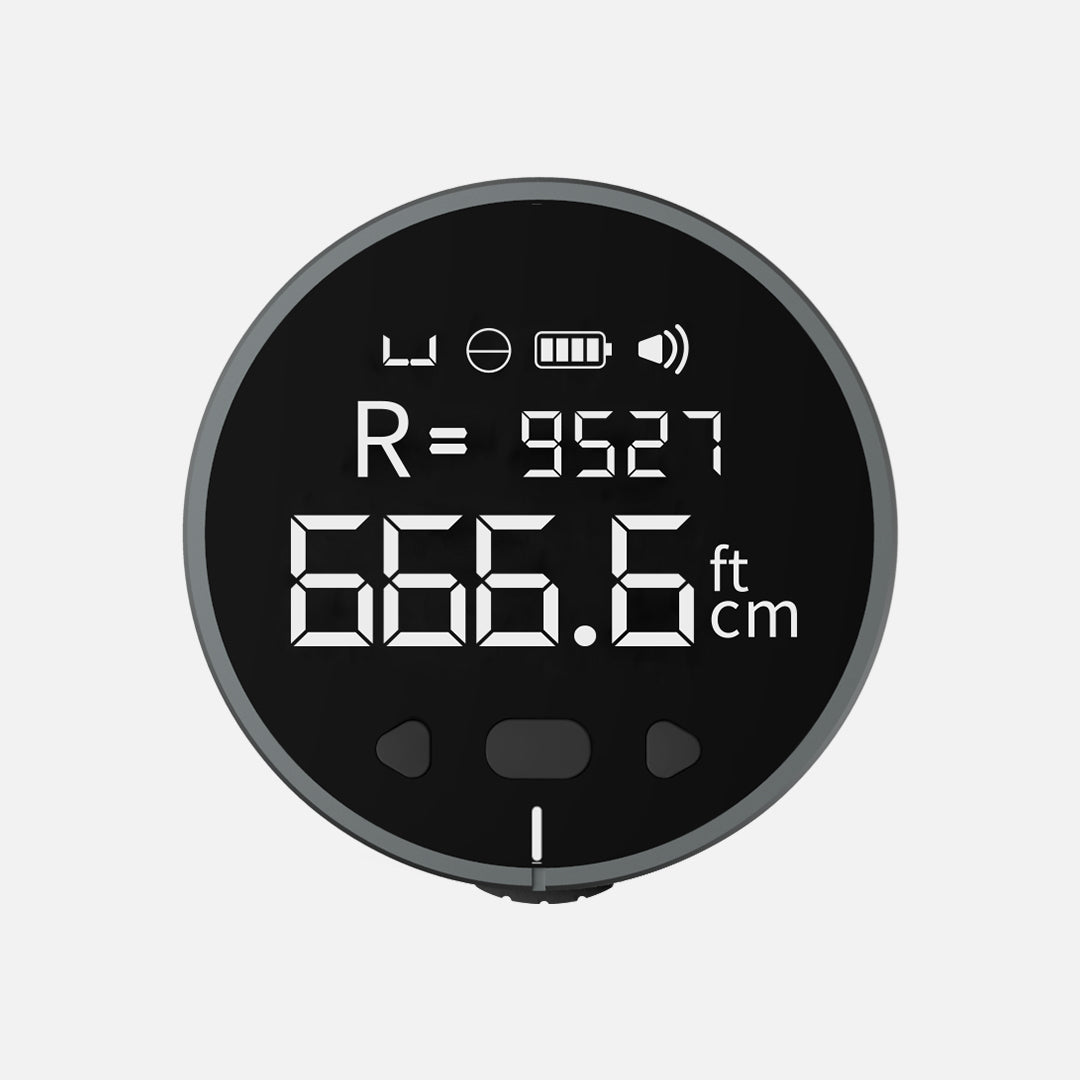
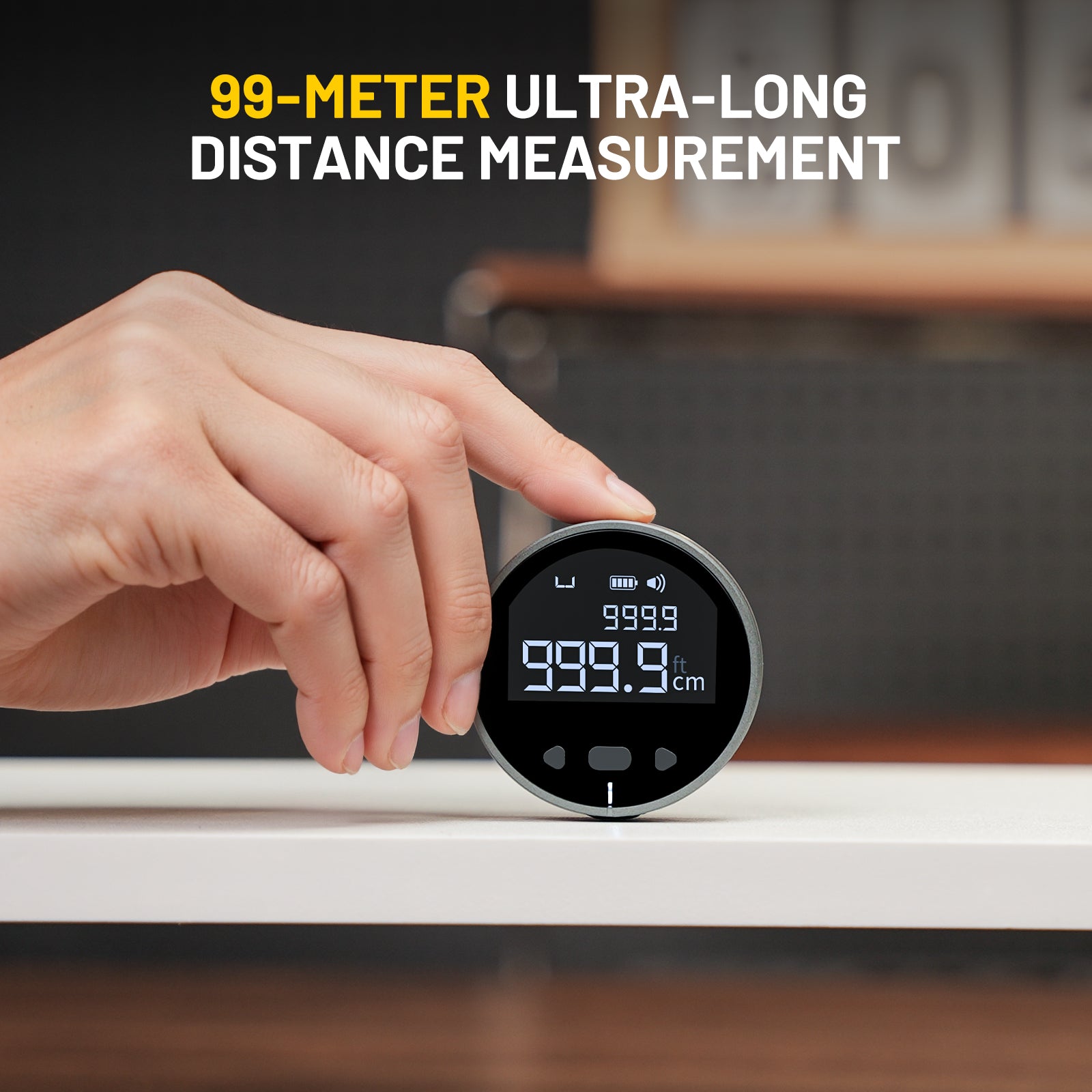
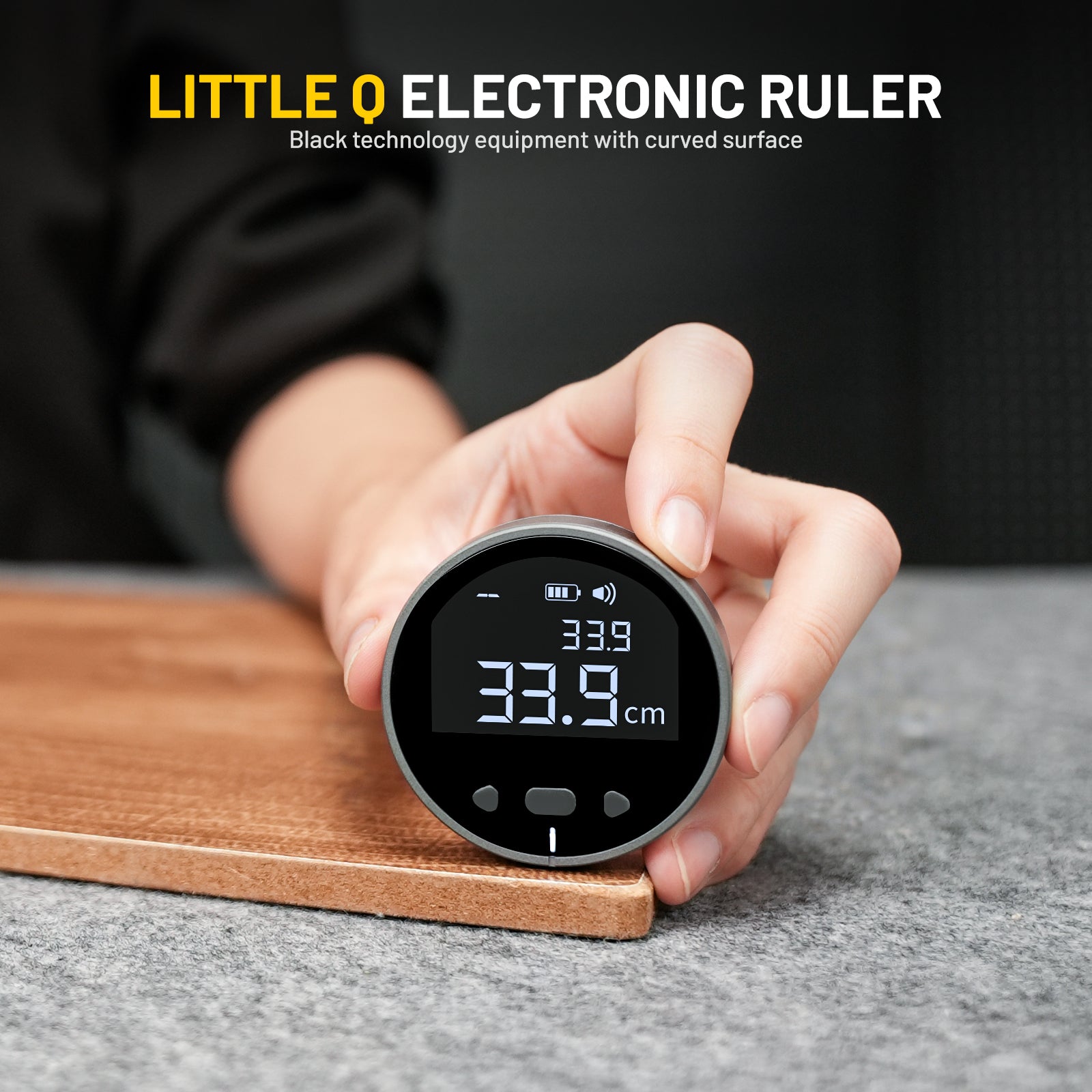
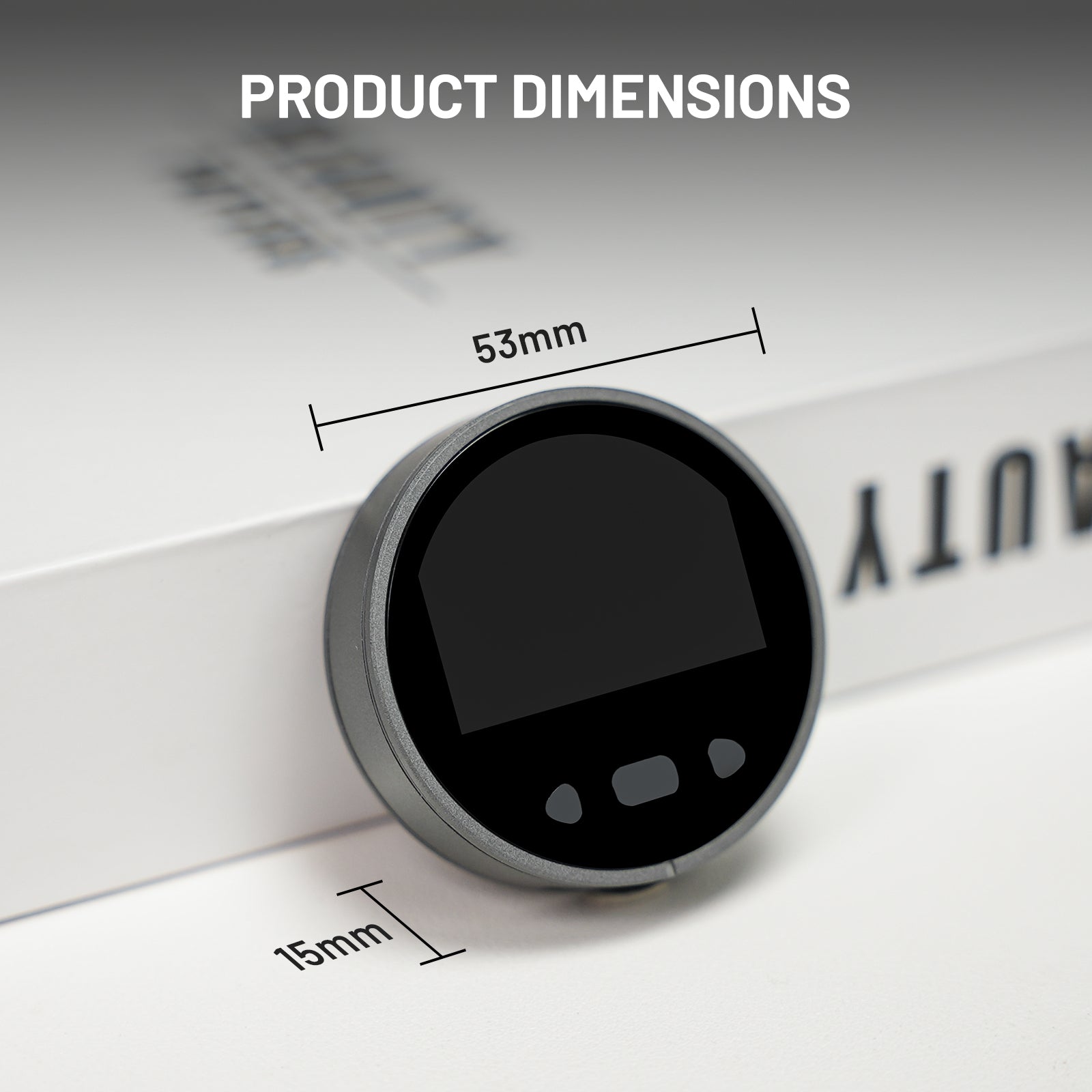
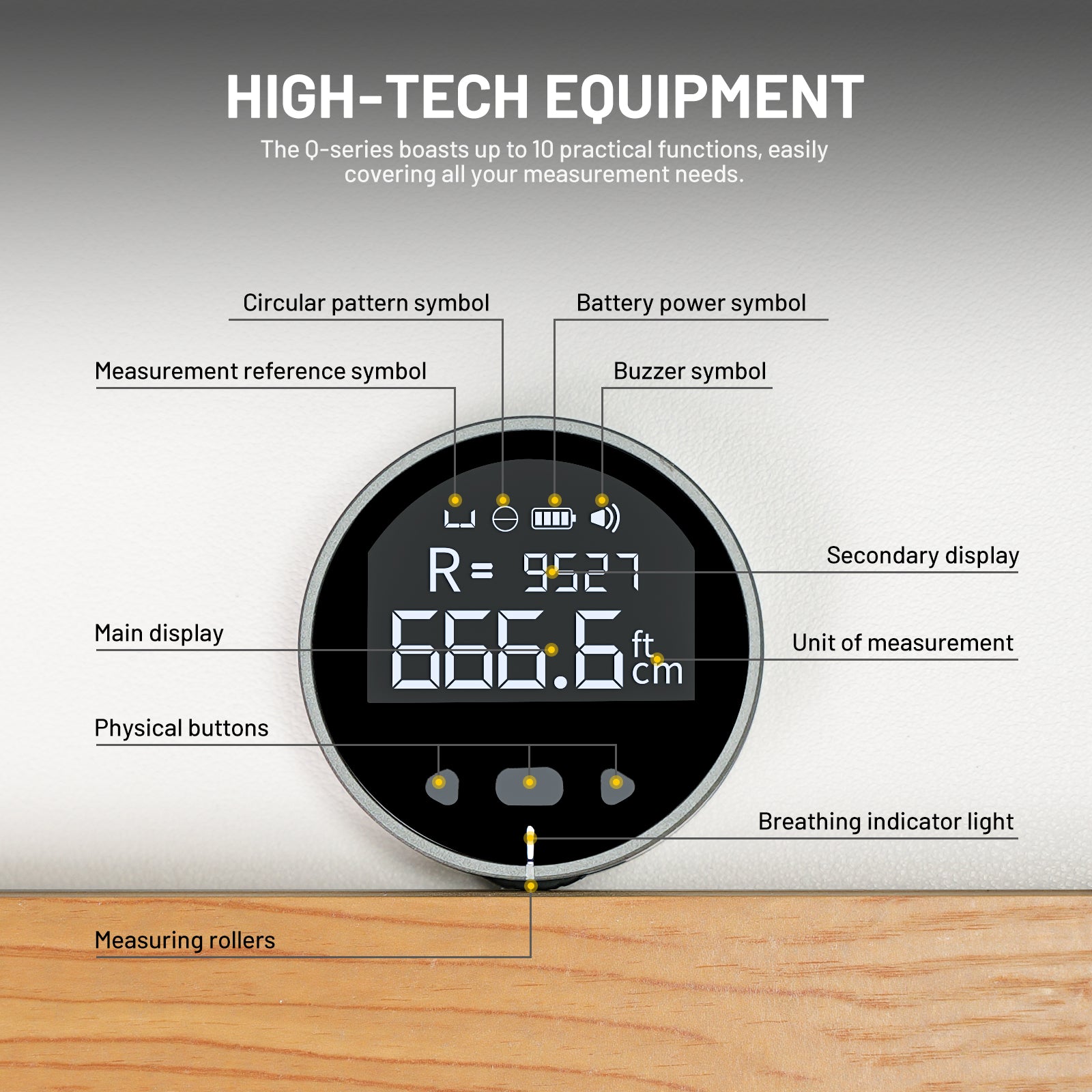
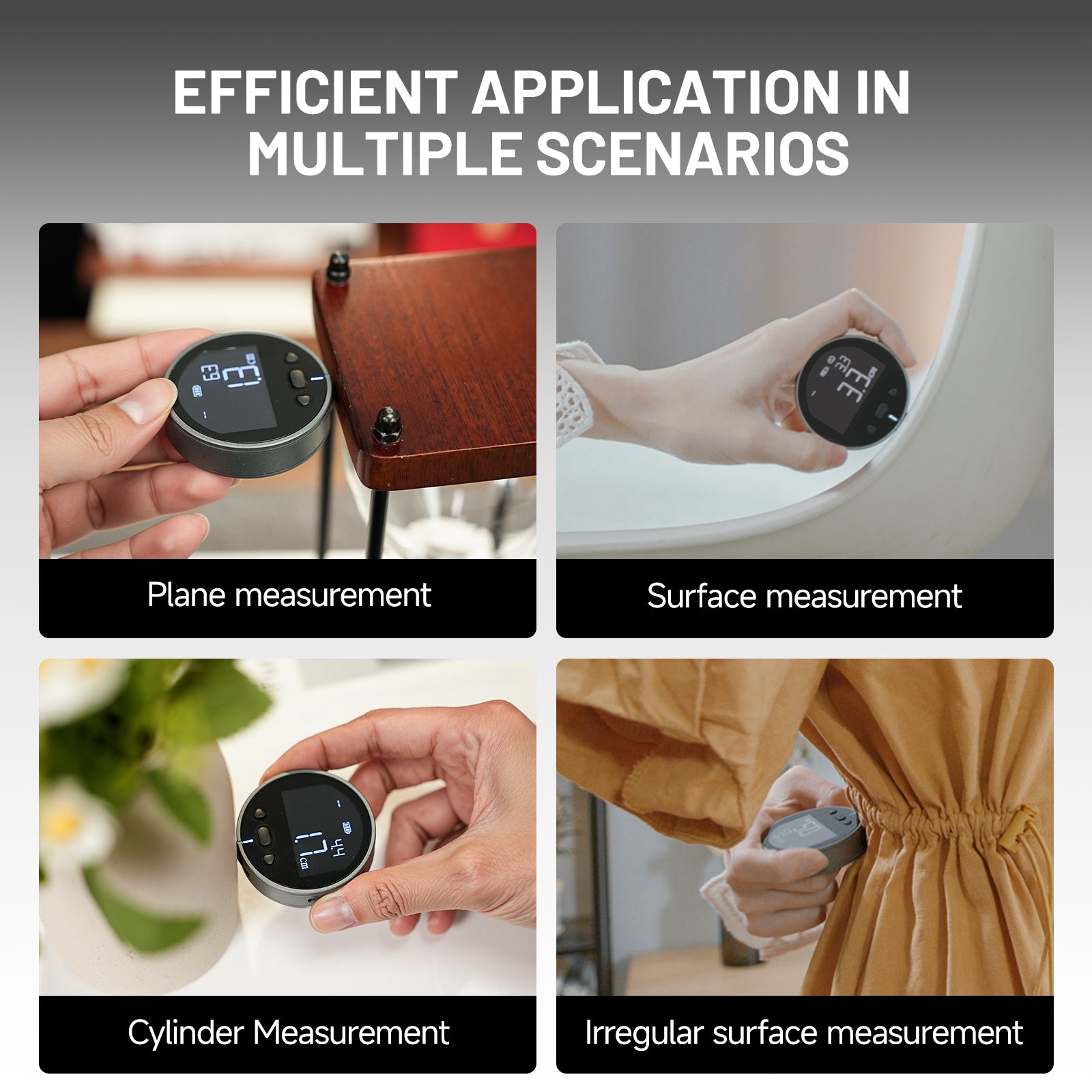
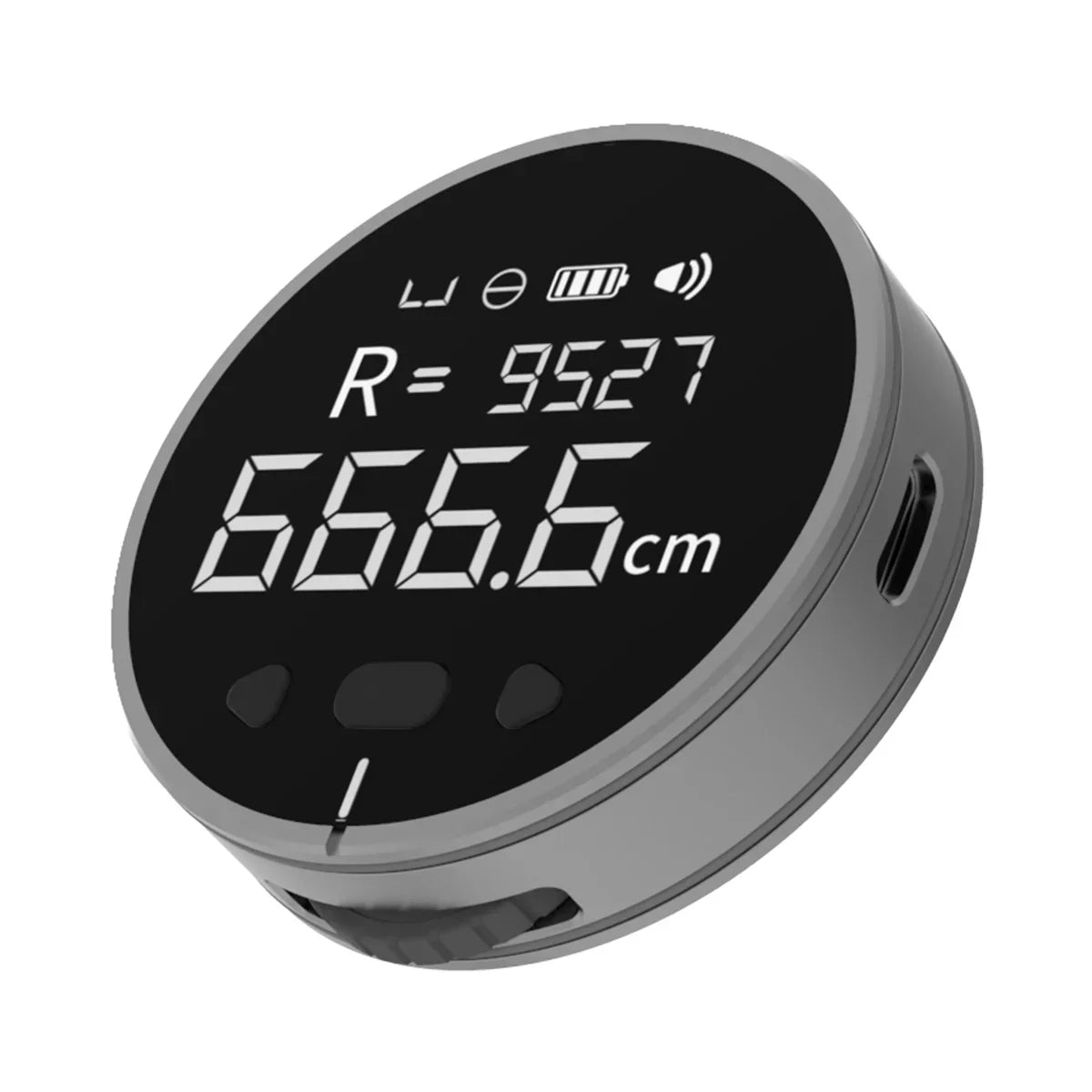
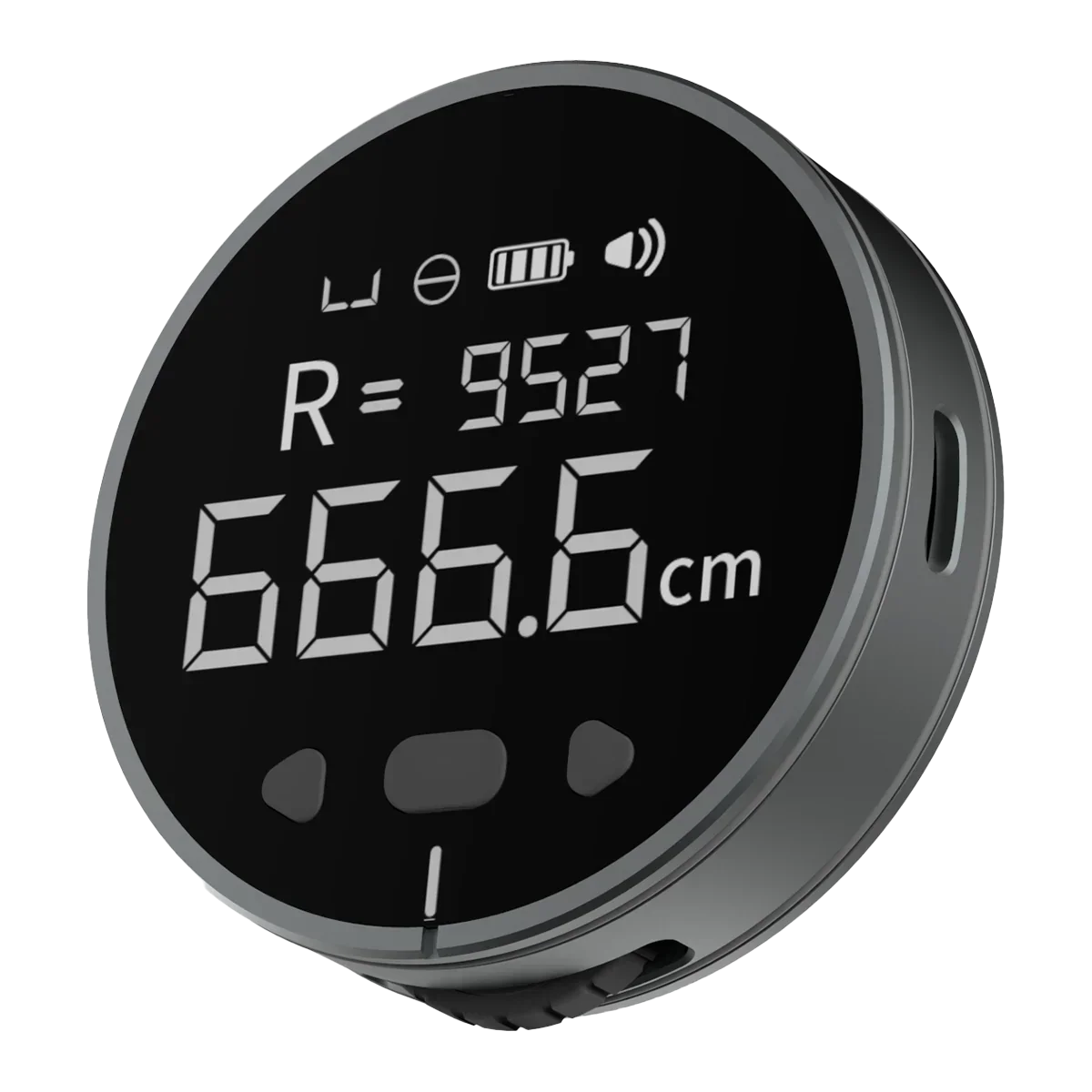
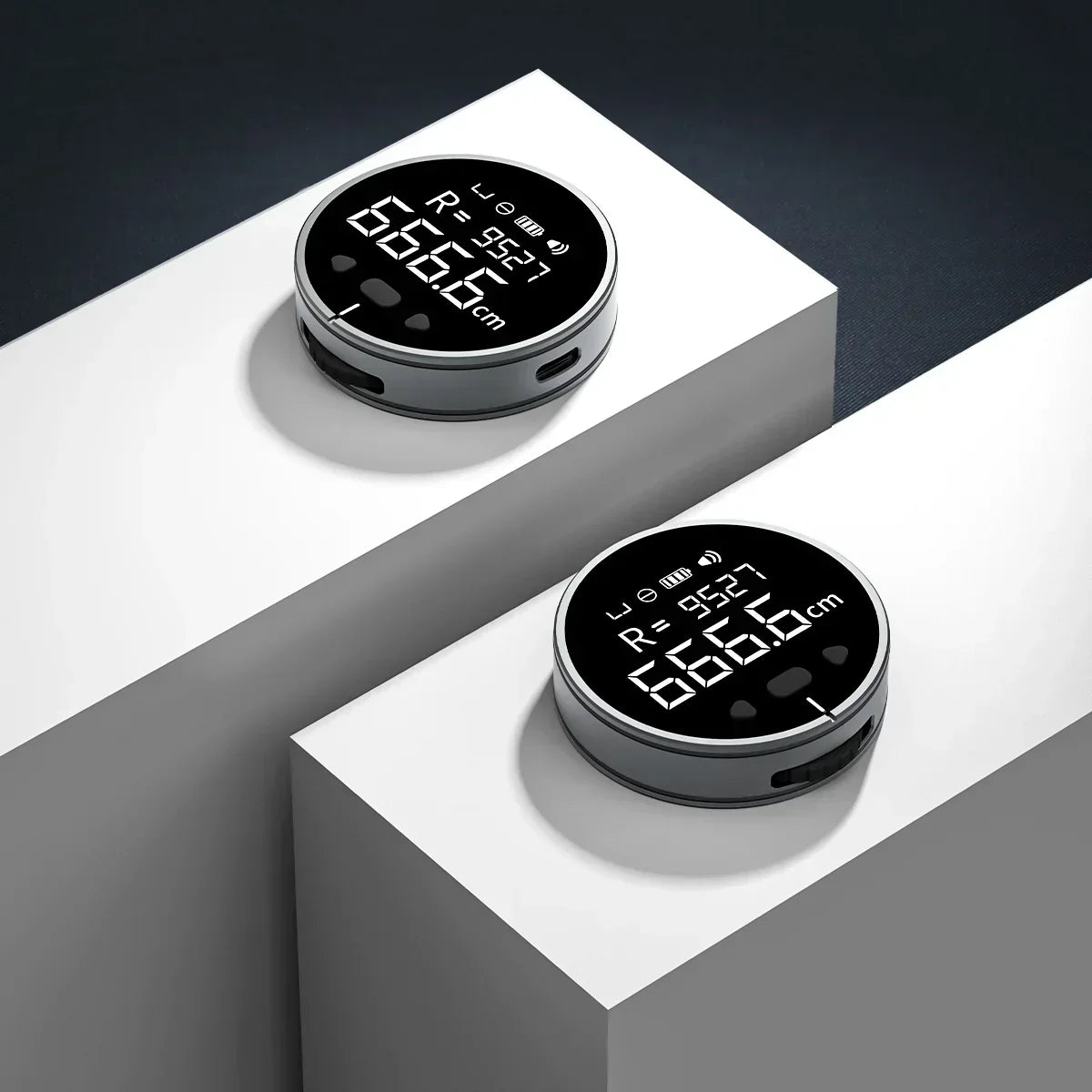
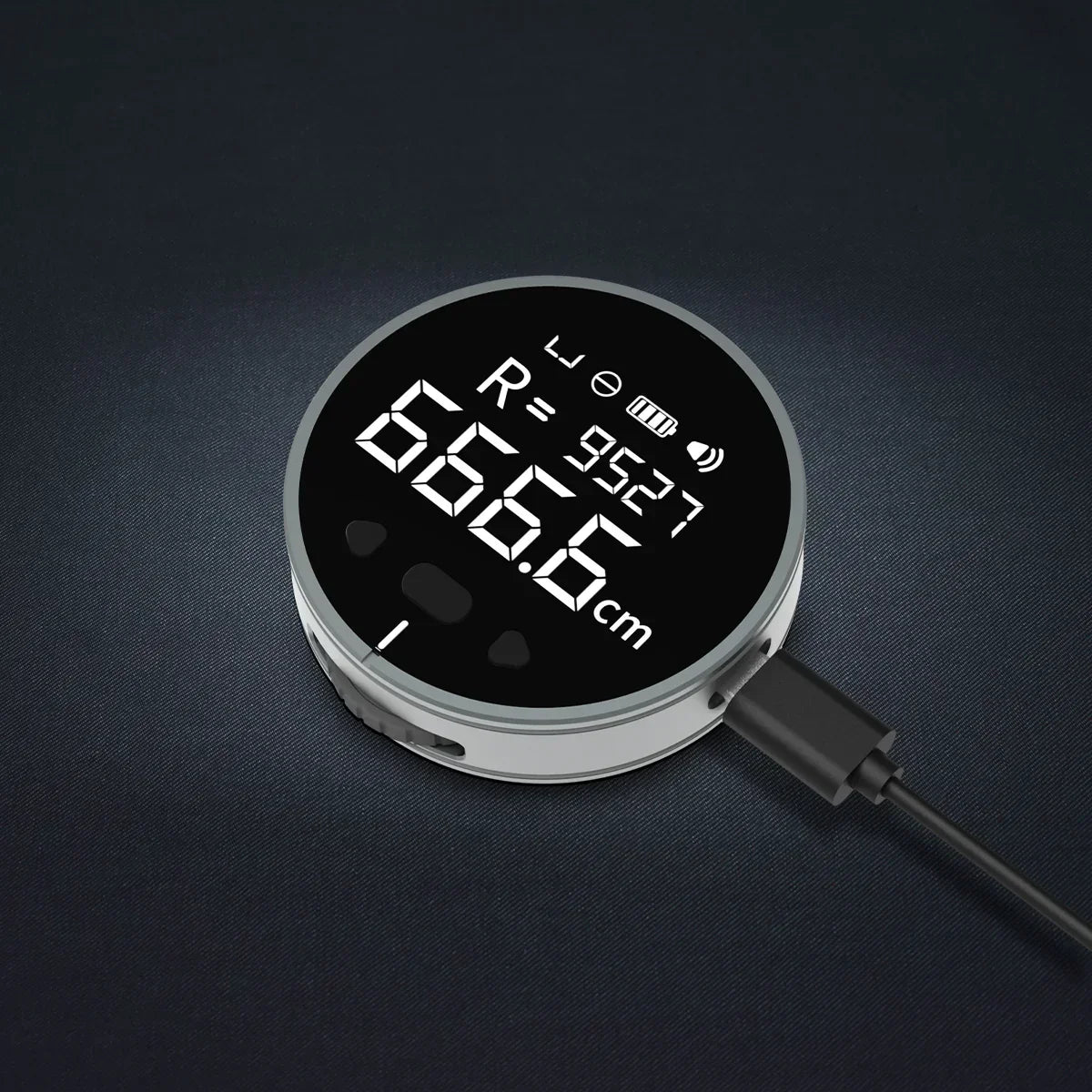
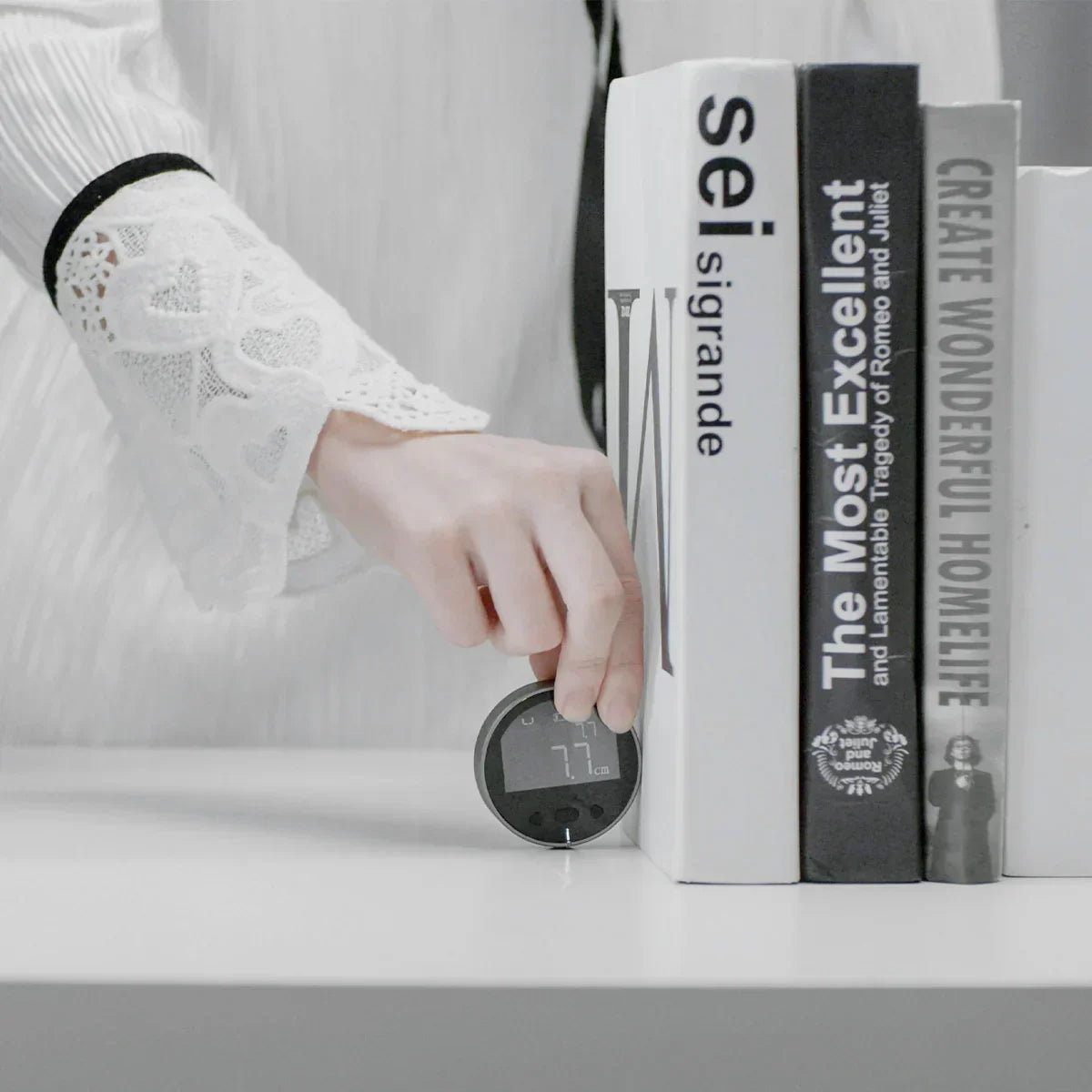
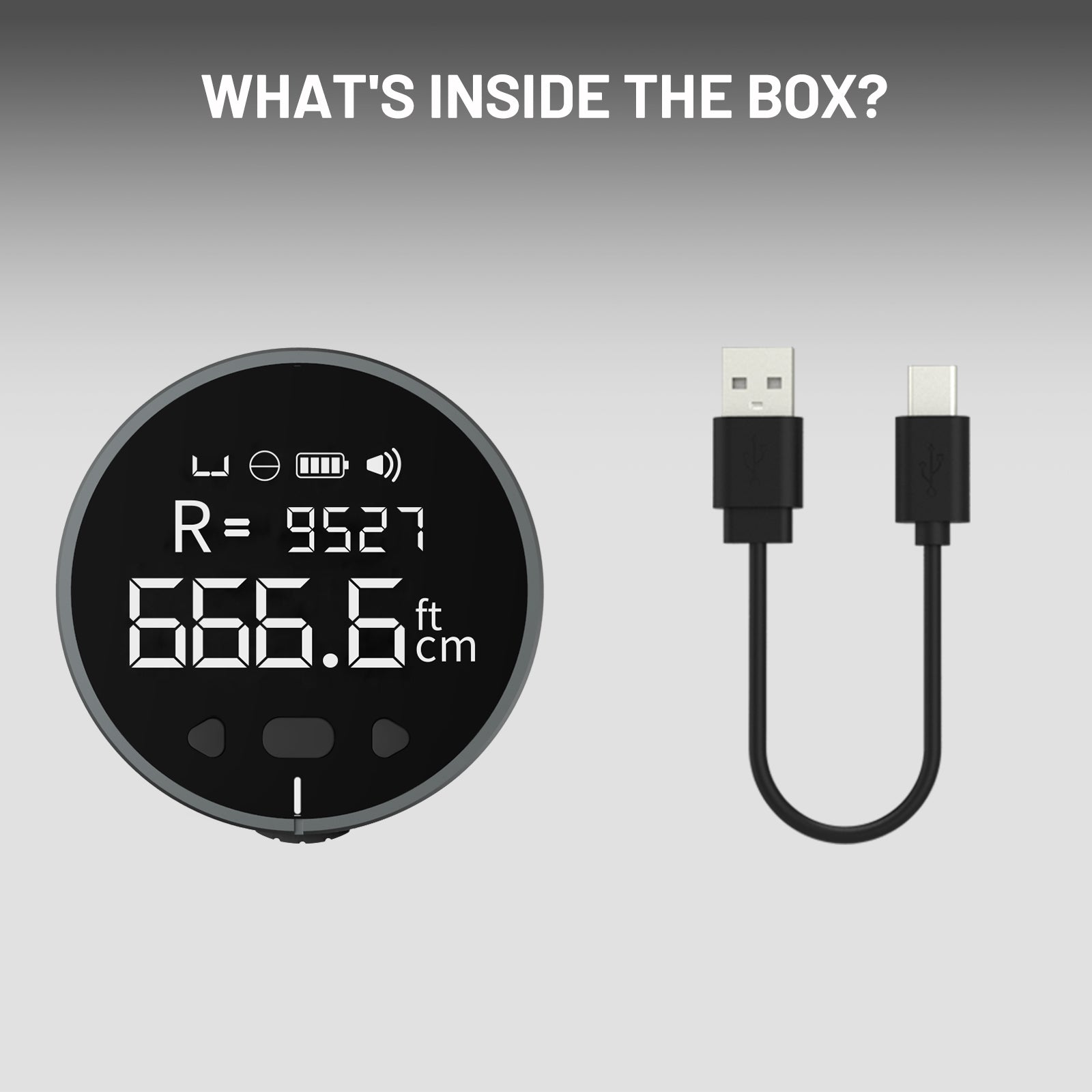
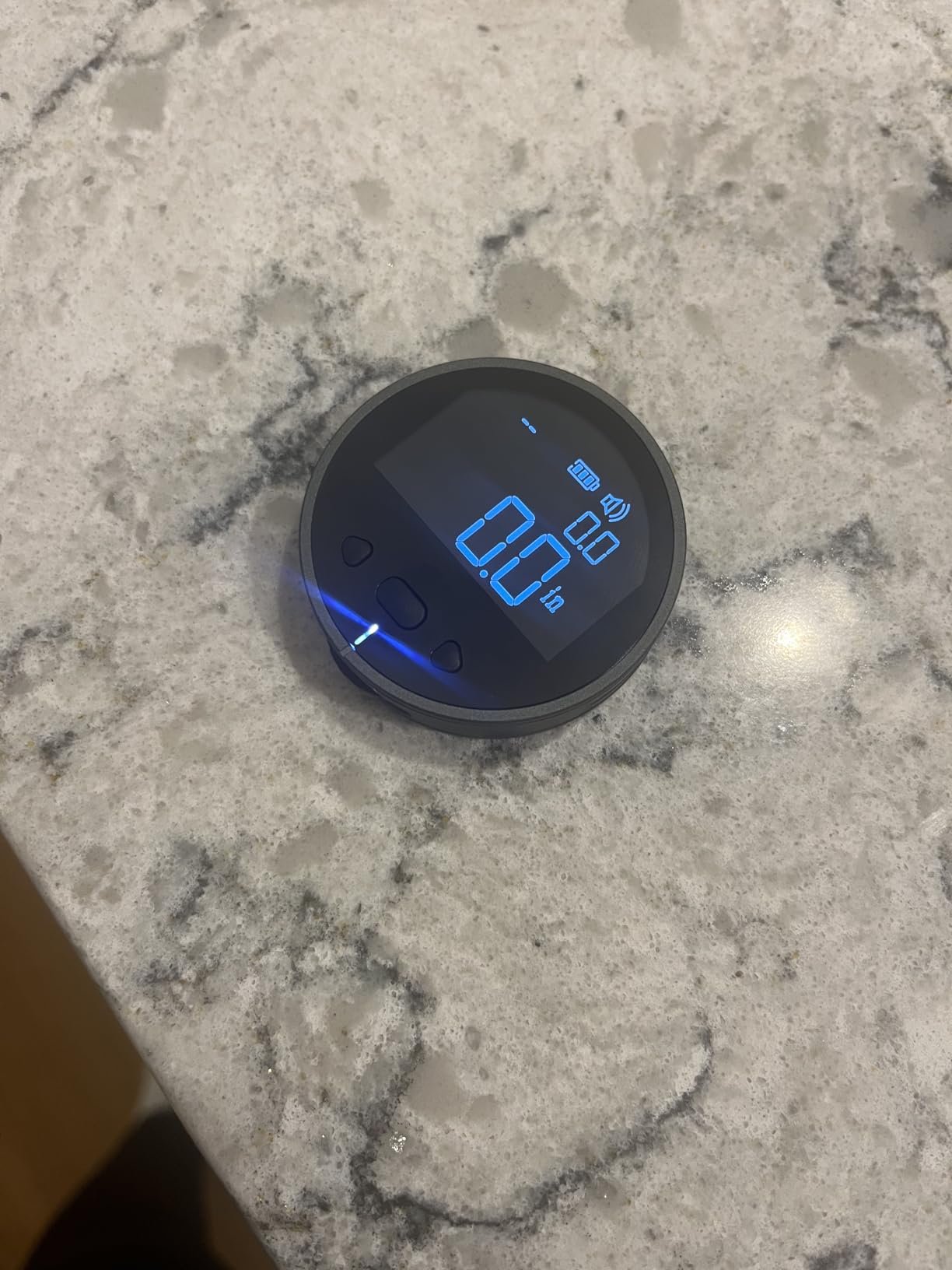
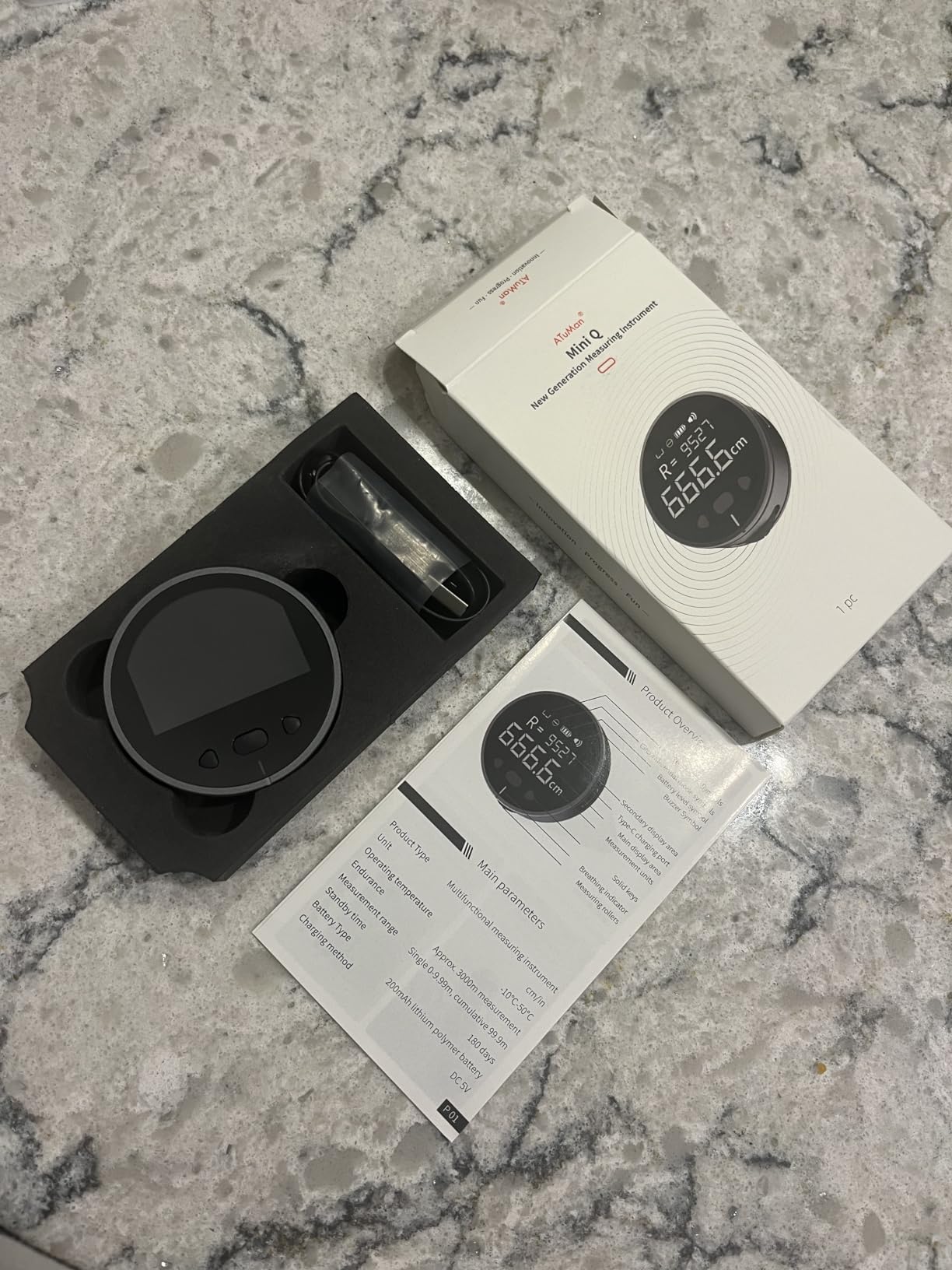
MiniQ is a pocket-sized versatile electronic tape measure with a maximum measuring distance of 99.9 meters (accumulation). With multiple modes, it measures flat, curved, circular, and irregular surfaces with ease. At just 35g, it’s lightweight and portable—perfect for quick, accurate measurements anytime. Ideal for DIY, sewing, crafts, interior design, and more.
Basic Specs
Battery: 200mAh
Accuracy: ±0.5%
In stock! Ships within 1-2 business days.
Online Chat Customer Support
1-Year Warranty
Fast shipping
ATuMan MiniQ Smart Digital Tape Measure
If you have any questions, you are always welcome to contact us. We'll get back to you as soon as possible, within 24 hours on weekdays.
-
Shipping Information
Use this text to answer questions in as much detail as possible for your customers.
-
Customer Support
Use this text to answer questions in as much detail as possible for your customers.
-
FAQ’s
Use this text to answer questions in as much detail as possible for your customers.
-
Contact Us
Use this text to answer questions in as much detail as possible for your customers.


FAQs
Check out the most common questions our customers asked.
Can the MiniQ view historical data?
Press any small triangle button to recall 10 sets of historical measurement data. During measurement, a short press of the middle button will reset the display and save the current data. If there is no operation for 30 seconds during measurement, the system will automatically save the current data and reset the main display to zero.
How to set up the MiniQ?
With the device powered off, press and hold the middle button for 5 seconds to turn it on and enter the Advanced Settings Mode. In this mode, you can:
Set the default display unit,
Calibrate measurement accuracy.
Turn the buzzer on/off.
Adjust the LCD backlight duration, etc.
What is the accuracy of the MiniQ?
The accuracy of this electronic tape measure is ±0.5%, and it supports stepless calibration. If the error exceeds this range, it may be caused by the material of the measured object, leading to wheel slippage (e.g., ceramic tiles are not suitable for measurement with this electronic tape measure). Please ensure a smooth, uniform sliding speed during measurement; avoid moving the wheel too fast or too slow.
How to calibrate the MiniQ if there is an error?
Calibration Method: Enter the Settings Mode to access the accuracy calibration function. The factory default calibration value is ACC 100.0.
Example: If the actual length is 100 units, but the tape measure reads 98 units, adjust the accuracy setting to 100.2 to correct the error.